Rugged SSDs
Field & travel drives
Platter catalogs all your external drives so you can search any file offline — even when the drive is sitting in a drawer. Map your storage as a living graph, and let AI organize the chaos for you.
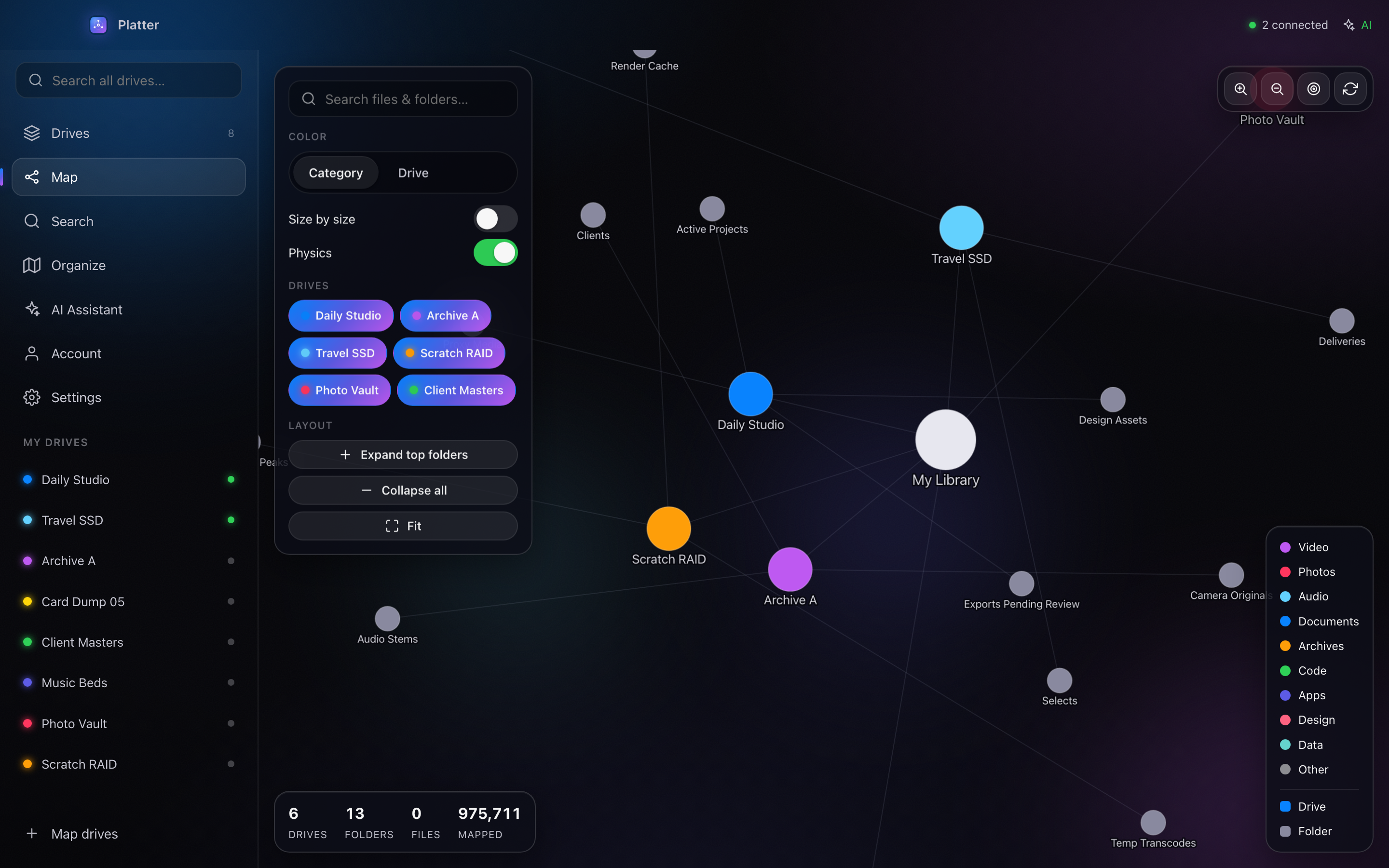
Product preview — full walkthrough below
Works with every drive you own

One catalog for everything you own — searchable, visual, and smart enough to tidy itself.
Scan a drive once. After that, Platter remembers its file index so you can search the whole library even when the drive is unplugged.
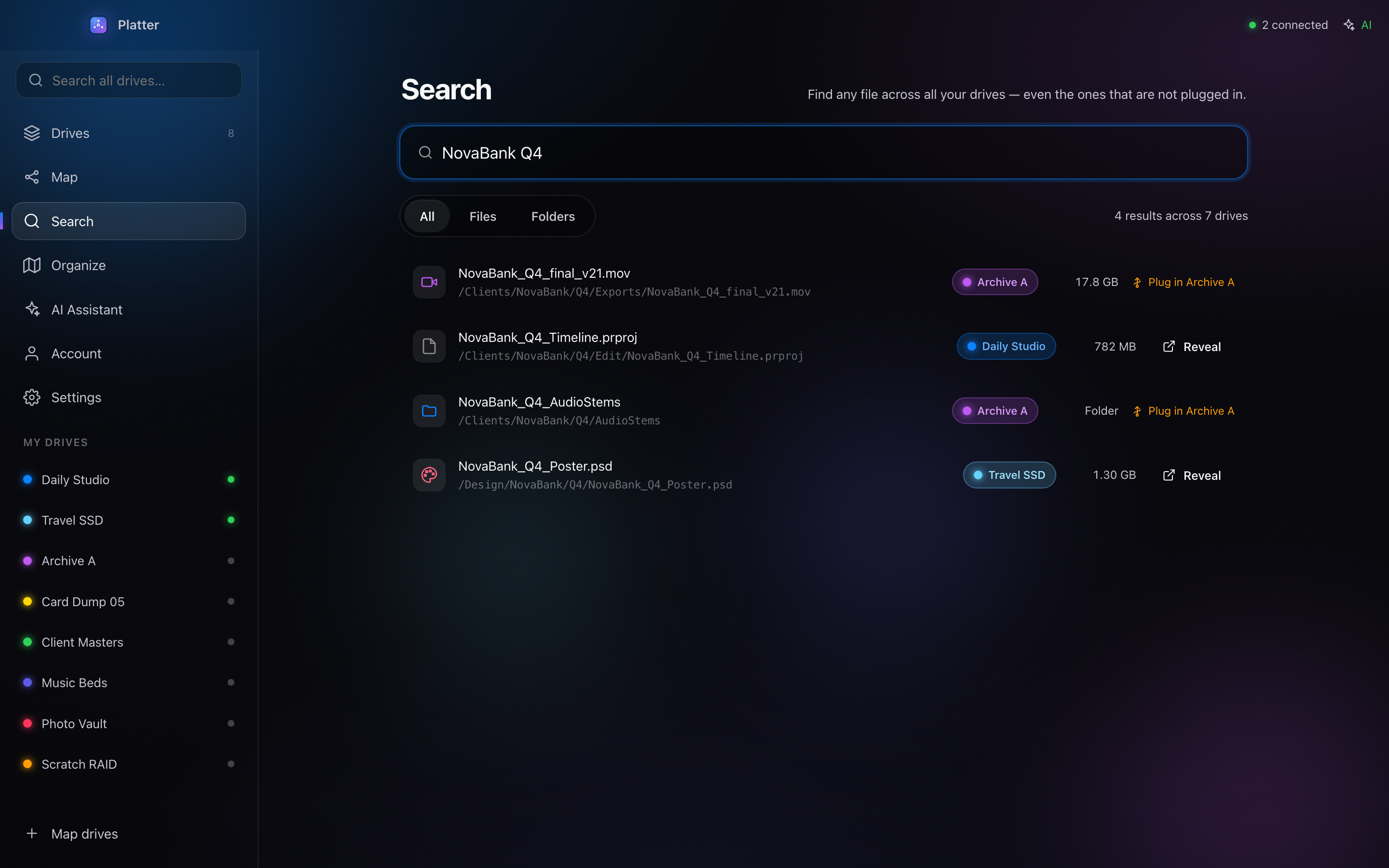
Results show the drive name, status, path, and a clear Plug-in hint for offline disks.
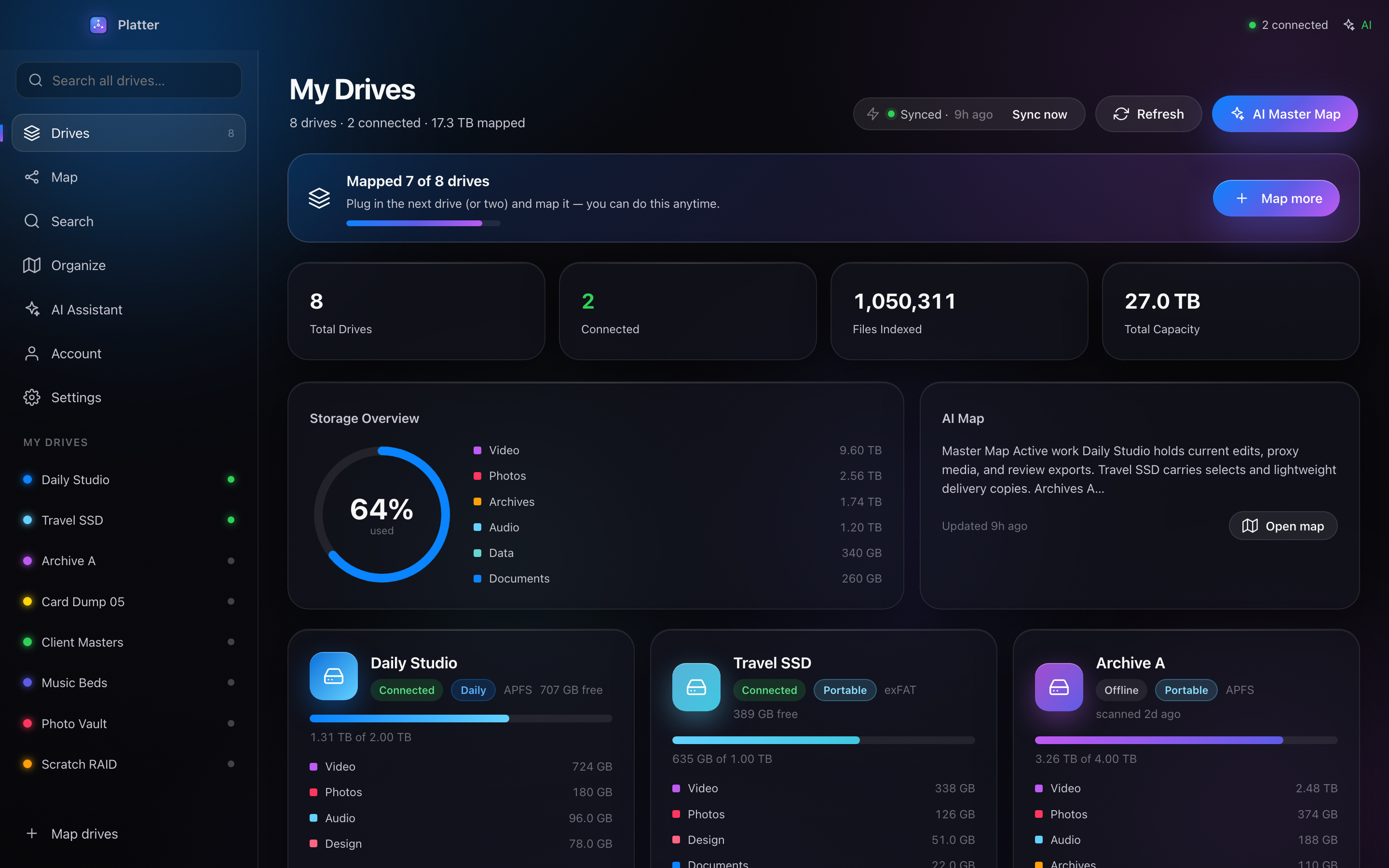
Explore a living graph of drives, folders, media, documents, archives, and project clusters.
Build a practical migration plan that respects a two-port MacBook workflow.
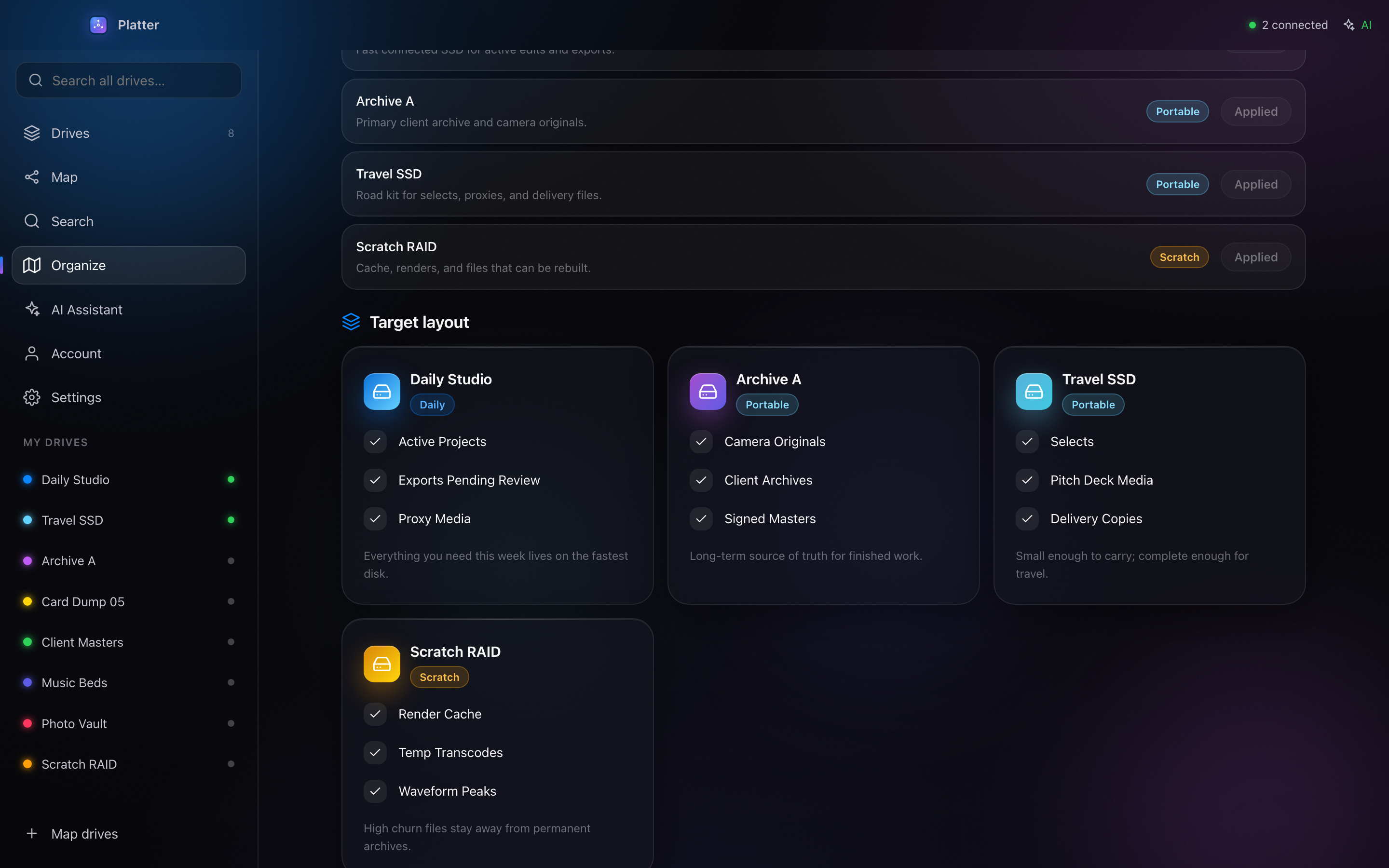
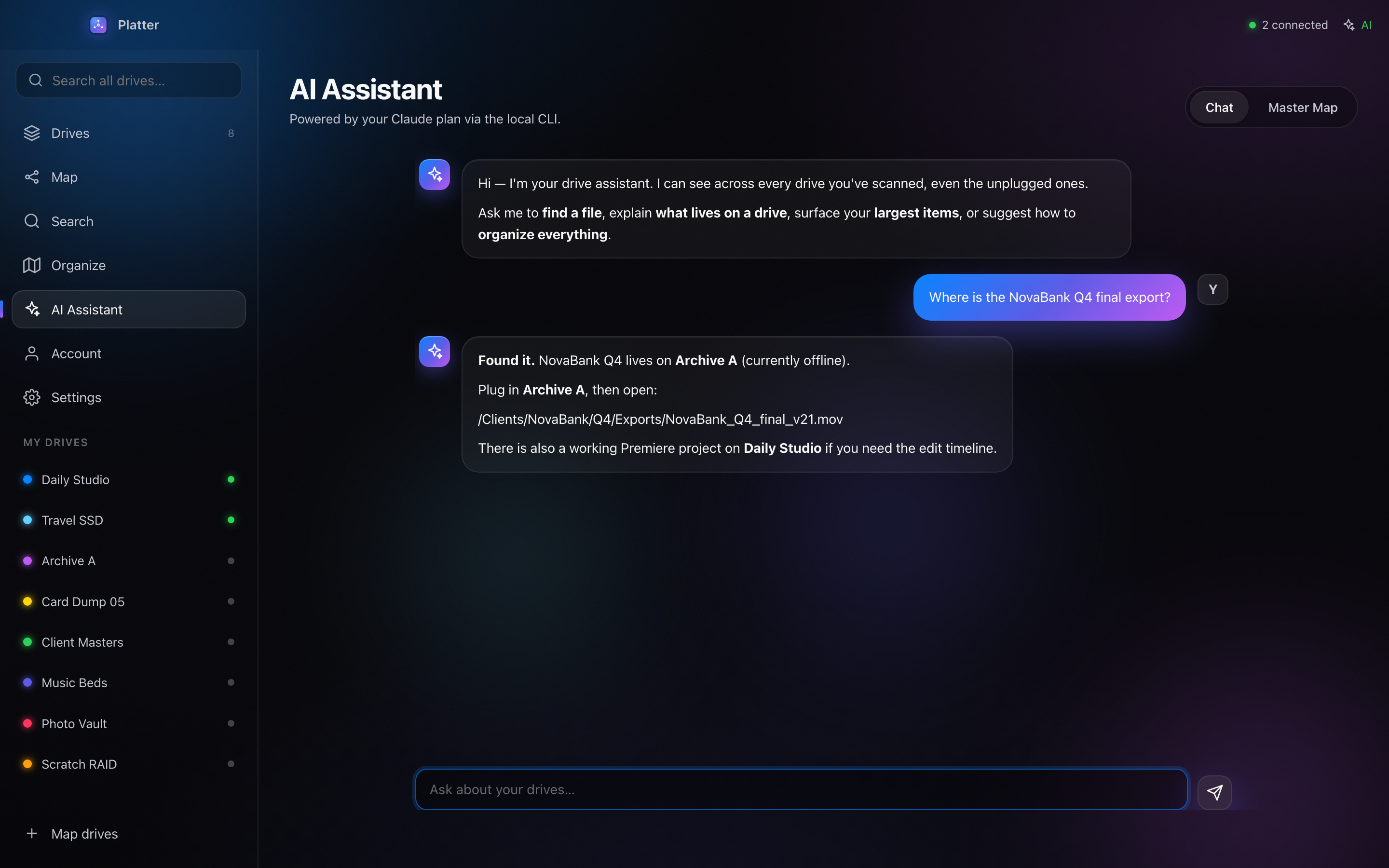
Ask Platter about your storage and plan cleanup, non-destructively.
The whole flow, end to end — cataloging, offline search, the map and AI cleanup. Press play and take the tour.
Everything that's shipped, and what's coming next — shaped by what you ask for.
The core is here today — catalog every drive and find anything, even unplugged.
A forward-looking list we're actively building. Help us prioritize — vote on what matters to you.
Download the Mac app directly, then sign in inside Platter. No card, no checkout, no friction.
No card needed · sign in required inside the app
The app is sign-in locked so every tester has an account.
Free beta: download directly, install on Mac, then sign in. Checkout is disabled during beta.
Catalog everything once, then find any file in seconds — plugged in or not.